01
Stage 01
Write
Start with a single sentence and Maniac generates acts, scenes and a complete script — or upload an existing screenplay verbatim.
Acts & scenes
Complete script
One sentence to 500 pages
From idea to final cut
Move through eight production stages with clear approvals, durable continuity and the freedom to select the best generation model for each shot.
Stage 01
Start with a single sentence and Maniac generates acts, scenes and a complete script — or upload an existing screenplay verbatim.
Stage 02
Finalizing the script tells Maniac who's in it, where it happens and what's in frame — automatically.
Stage 03
Let AI direct each scene, or do it yourself — either way the camera, lens, surroundings, lighting and mood get locked in.
Stage 04
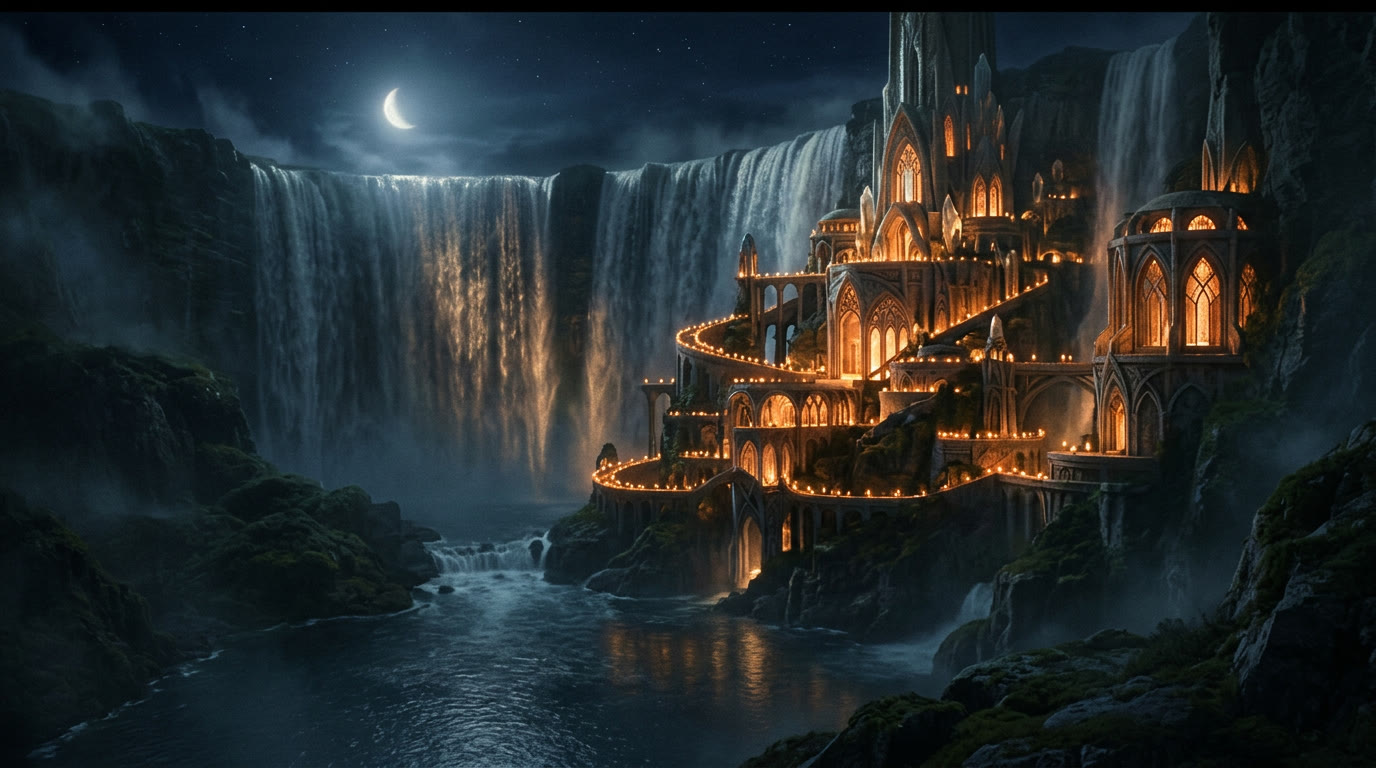
Build reference sheets for every character, world and prop — including vehicles and creatures — before a single frame gets drawn.
Stage 05
Generate storyboards shot by shot. Every board references the character, prop and world sheets you approved, so continuity holds from the first frame.
Stage 06
Keyframes turn approved storyboards into a realistic visualization. Approve, reject, or edit the canon directly for more control.
Stage 07
Generate video renders that reference everything you've approved — characters, costumes, environments — so there's effectively zero hallucination.
Stage 08
Align your approved renders in order. Export a finished sequence directly, or hand off to DaVinci Resolve and other NLEs for the final cut.
Review in production order
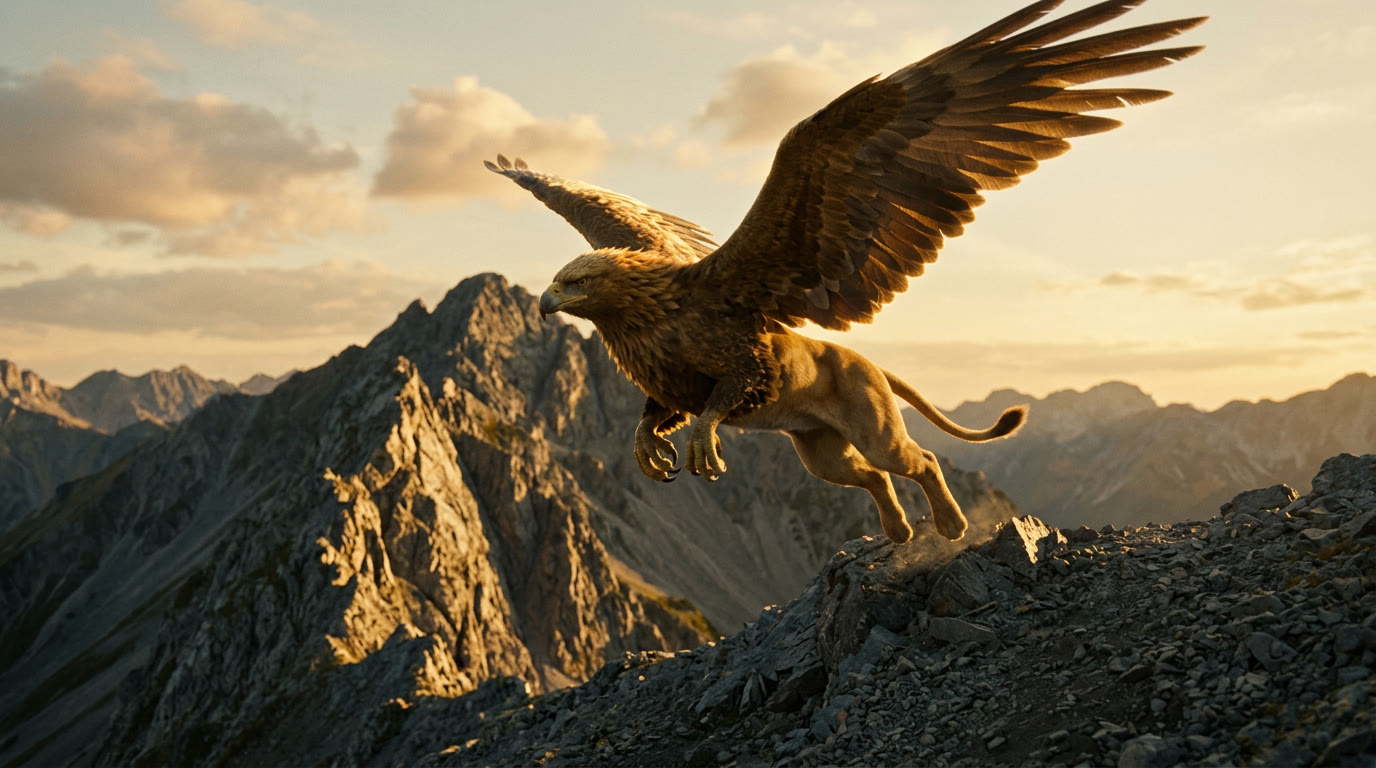
The Renders workspace keeps generated clips in shot order so the team can review, approve, reject and regenerate without losing narrative context.
Join the waitlist